



How to Convert a SIM to an eSIM on iPhone Easily
https://www.zimconnections.com/how-to-convert-a-sim-to-an-esim-on-iphone/
 SHARE
SHARE
If you’ve been trying to figure out how to iphone convert sim to esim without losing your number or disrupting your mobile service, the good news is that Apple has made the process incredibly easy. Converting your physical SIM to an eSIM allows for faster setup, better security, and a much smoother experience when traveling internationally — especially if you plan to use a travel eSIM like ZIM Connections. Many travelers even read our guide on how data roaming works abroad to understand why converting to eSIM is the smartest long-term choice.
What You Need Before Converting Your SIM to an eSIM
Before you begin, make sure:
Your iPhone supports eSIM (most models from XR onward do).
Your mobile carrier supports eSIM activation.
Your device is updated to the latest version of iOS.
If you’re unsure, you can quickly confirm using ZIM’s device compatibility checker.
How to Convert a Physical SIM to an eSIM on iPhone
Apple’s built-in feature, eSIM Quick Transfer, makes it simple to convert your existing SIM in just a few taps:
Open Settings.
Tap Cellular or Mobile Data.
Select your physical SIM number.
Tap Convert to eSIM.
Follow the instructions to complete activation.
Once the process finishes, your physical SIM becomes inactive and your digital eSIM profile takes over. If you ever need help with the activation process, you can follow ZIM’s step-by-step eSIM setup guide.
Why Converting to eSIM Is Worth It
Switching from a physical SIM to an eSIM offers several major benefits:
Instant activation with no need to visit a store
No risk of losing or damaging a physical SIM
Ability to store multiple profiles (home, work, travel)
Faster connectivity when landing abroad
Better security since an eSIM can’t be removed if the phone is stolen
For frequent travelers, it’s also the easiest way to avoid expensive roaming fees. You can see how much you’ll save by reading ZIM’s guide on avoiding high roaming charges abroad.
Using a Travel eSIM After Converting Your SIM
After converting your SIM to an eSIM, adding travel data becomes effortless. ZIM offers local, regional, and global plans, and many travelers compare them using our guide to local vs. regional vs. global eSIM options.
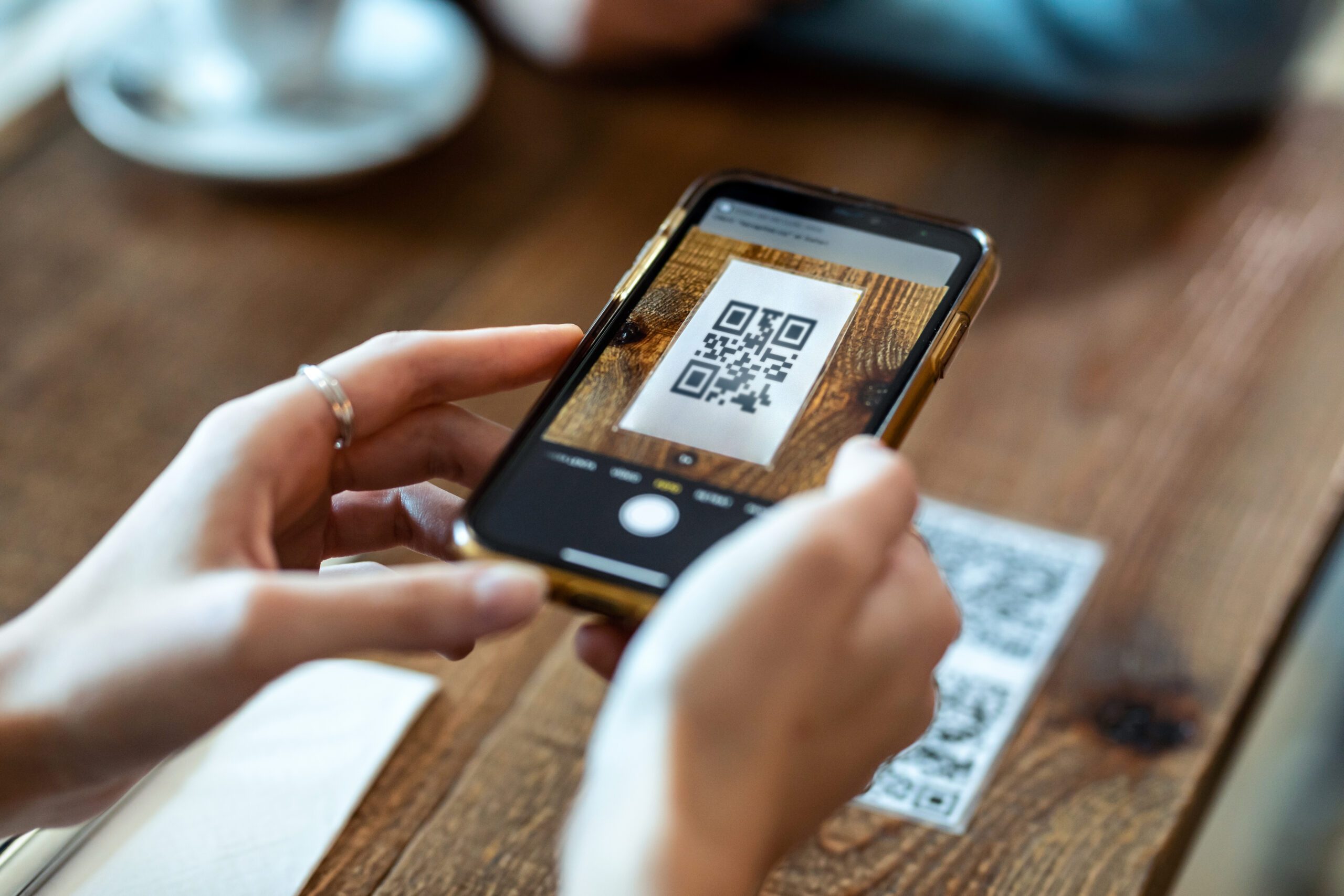
Just choose your destination, purchase a plan, and scan the QR code. You can activate before departure or the moment you land.
Troubleshooting SIM-to-eSIM Conversion Issues
If the Convert to eSIM button doesn’t appear, it may be because:
Your carrier hasn’t enabled eSIM Quick Transfer
You need a QR code from your carrier
Your iPhone needs a software update
You already have the maximum number of eSIM profiles stored
If you’re monitoring your data after switching, iPhone users can follow ZIM’s detailed guide on checking data usage in real time.
Final Thoughts: Why You Should Convert Your iPhone SIM to an eSIM
Choosing to iphone convert sim to esim is one of the best upgrades you can make for convenience, safety, and travel flexibility. Whether you’re preparing for a holiday trip, a study abroad semester, or long-term remote work, converting your SIM makes adding international data simpler and faster.
To make things even easier, download the ZIM app to manage your eSIMs, activate plans instantly, and stay connected in 200+ destinations.