


How to Convert SIM to eSIM: A Complete Guide for Travelers
https://www.zimconnections.com/how-to-convert-sim-to-esim/
 SHARE
SHARE
If you are planning to travel or want a more flexible way to manage mobile data, learning how to convert SIM to eSIM is one of the smartest upgrades you can make. eSIM technology removes the need for physical SIM cards, allowing you to activate mobile data digitally and switch plans without swapping hardware.
For iPhone users especially, the ability to iphone convert sim to esim makes staying connected abroad simpler, faster, and more cost-effective. Combined with eSIM plans that work in 200+ destinations worldwide, this shift gives travelers more control over connectivity than ever before.
This guide walks through what eSIMs are, how SIM-to-eSIM conversion works, how to convert SIM to eSIM on iPhone, and why travelers increasingly choose eSIM plans from ZIM Connections.
What Is an eSIM?
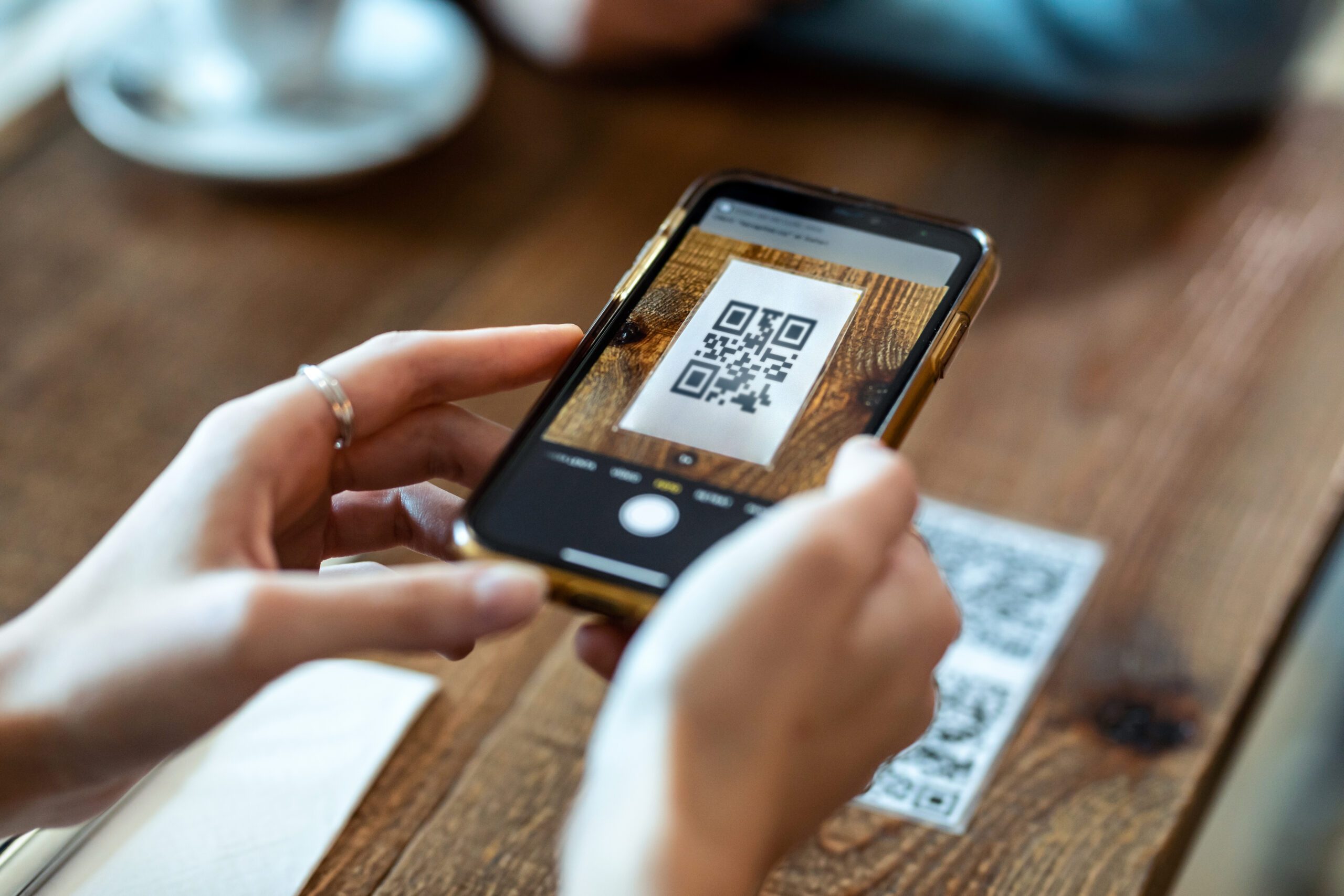
An eSIM is a digital SIM that is built into your phone. Instead of inserting a physical card, you activate your mobile plan by scanning a QR code or downloading a profile.
If you are unfamiliar with how international connectivity works, this guide to data roaming and staying connected abroad explains why eSIMs are quickly replacing traditional roaming and physical SIM cards.
With an eSIM, you can:
Activate plans instantly
Avoid physical SIM swaps
Keep your primary number active
Switch plans while traveling
Control usage digitally
Why Convert SIM to eSIM?
Converting a physical SIM to an eSIM offers several advantages, especially for travelers.
More flexibility while traveling
Instead of buying SIM cards in every destination, eSIM users can activate local, regional, or global plans digitally. You can even compare regional, global, and local eSIM options to find the best setup for your trip.
Avoid roaming charges
Traditional roaming often leads to unexpected costs. eSIM plans help travelers avoid roaming overcharges while abroad by offering prepaid, transparent pricing.
Easier data management
Once converted, you can easily track your iPhone data usage in real time and adjust usage as needed.
How to Convert SIM to eSIM on iPhone
If you are looking for iphone convert sim to esim, Apple makes the process relatively straightforward, depending on your carrier and device model.
Step 1: Check if your iPhone supports eSIM
Most newer iPhones support eSIM, but it’s important to confirm first. Before starting, check if your phone is eSIM-compatible.
Step 2: Contact your carrier or access iPhone settings
Some carriers allow direct SIM-to-eSIM conversion within iOS settings, while others require carrier approval.
On supported devices:
Go to Settings
Tap Cellular
Select Convert to eSIM (if available)
Follow on-screen instructions
If this option does not appear, your carrier may not support direct conversion.
Step 3: Confirm activation
Once activated, your physical SIM is deactivated and replaced by an eSIM profile.
After conversion, it’s helpful to check if your data plan is active and working to ensure everything is set up correctly.
How to Convert SIM to eSIM for Travel eSIM Plans
If your carrier does not support SIM-to-eSIM conversion, you can still convert your setup by keeping your physical SIM for calls and using a travel eSIM for data.
This is one of the most common approaches for international travelers.
Step 1: Keep your physical SIM active
Your original SIM continues to handle calls and SMS.
Step 2: Install a travel eSIM
You can follow this step-by-step guide to how to buy and activate your new eSIM data plan to install a ZIM eSIM before or during your trip.
Step 3: Disable roaming on your physical SIM
Once your eSIM is active, make sure to switch off data roaming easily to prevent charges from your home carrier.
Managing Data After You Convert SIM to eSIM
Once you convert SIM to eSIM or start using a travel eSIM, managing data becomes much easier.
You can:
Monitor usage daily
Set data limits
Disable background apps
Use WiFi strategically
To stay organized, learn how to manage your data consumption with ease.
You can also review this step-by-step guide to checking data usage on your iPhone before departure.
Converting SIM to eSIM for Gaming, Streaming, and Work
High-data activities like gaming, video calls, and streaming can consume large amounts of data quickly.
Many travelers use eSIMs specifically to avoid high roaming fees while gaming abroad while maintaining stable performance.
You can also improve your setup with top travel apps to complement your gaming setup abroad, which help manage connectivity and performance.
Why Travelers Choose ZIM eSIMs After Converting SIM to eSIM
ZIM Connections is designed for travelers who want flexibility and control.
With ZIM, you get:
eSIM plans available in 200+ destinations worldwide
Local, regional, and global plan options
Transparent pricing
Easy activation
Simple data management in one app
You can also explore the best eSIM plans for travelers in 198 destinations if you want maximum coverage.
Common Questions About Converting SIM to eSIM
Will converting SIM to eSIM delete my number?
No. Your phone number remains the same if you convert through your carrier.
Can I switch back to a physical SIM?
In most cases, yes, though this depends on your carrier.
Can I use both SIM and eSIM together?
Yes. Dual SIM functionality allows you to use a physical SIM and eSIM simultaneously.
Final Thoughts: Is Converting SIM to eSIM Worth It?
Learning how to convert SIM to eSIM gives travelers more flexibility, better cost control, and easier connectivity management. Whether you convert directly through your carrier or add a travel eSIM for data, the benefits are clear.
For iPhone users especially, iphone convert sim to esim functionality simplifies travel connectivity and eliminates the need for physical SIM cards.
With ZIM Connections, you can take full advantage of eSIM technology and stay connected wherever your travels take you.
Get connected today
To get connected, download the ZIM app and choose the plan that fits your trip.