



How Do eSIMs Work?
https://www.zimconnections.com/how-do-esims-work-2/
 SHARE
SHARE
eSIMs are quickly replacing physical SIM cards, but many people still aren’t sure what they actually do or how they function. If you’ve ever wondered how do eSIMs work, you’re not alone.
This guide explains how eSIMs work step by step, how they differ from traditional SIM cards, and why they’re now the preferred option for travel, business, and international connectivity.
What Is an eSIM?
An eSIM, or embedded SIM, is a digital SIM that is built directly into your phone or device. Instead of inserting a physical plastic SIM card, you download a mobile data plan digitally and activate it in your device settings.
Once installed, the eSIM connects you to a mobile network in the same way a physical SIM does, just without any hardware changes.
How Do eSIMs Work Compared to Physical SIM Cards?
A traditional SIM card stores your network credentials on a removable chip. An eSIM stores those credentials digitally inside a secure component built into your phone.
Here’s the difference:
Physical SIMs must be inserted and removed manually
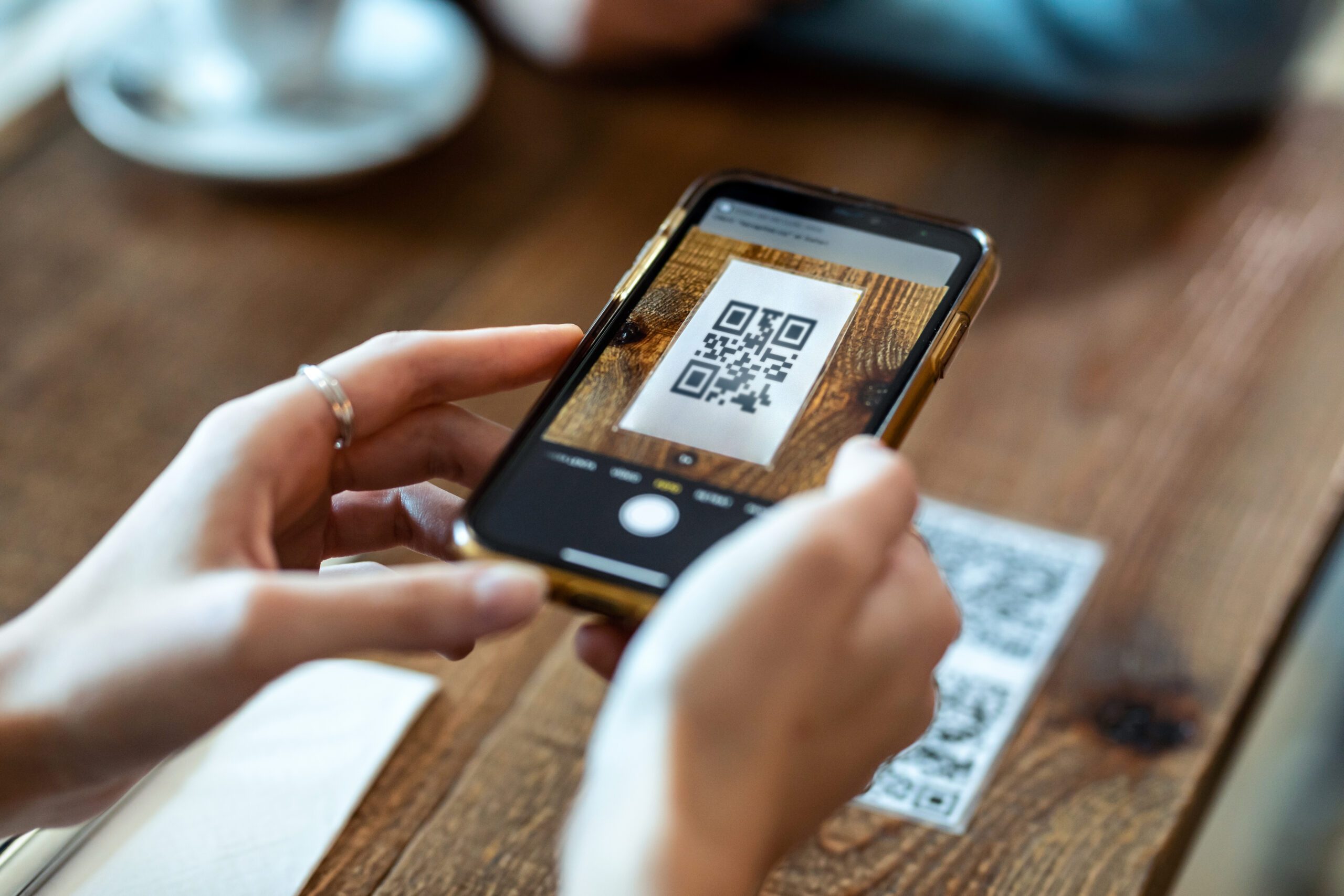
eSIMs are activated via QR code or app
Physical SIMs can be lost or damaged
eSIMs stay securely inside your device
Switching networks with a physical SIM requires a new card
Switching networks with an eSIM is done digitally
This is why eSIMs are becoming standard on modern smartphones.
How Do eSIMs Work on iPhone?
Many travelers specifically ask how do eSIMs work on iPhone, especially since newer iPhones no longer include a SIM tray in some regions.
On iPhone, eSIMs work by allowing you to:
Download a data plan using a QR code or app
Store multiple eSIM profiles on one device
Choose which SIM is used for data, calls, or messages
Switch between plans in your settings
You can also monitor usage directly from your device. This step-by-step guide to checking data usage on your iPhone explains how to stay in control.
How Do eSIMs Work for Travel?
When people ask how do eSIMs work for travel, the key difference is how connectivity is handled abroad.
Instead of roaming through your home carrier, a travel eSIM connects you directly to partner networks in your destination. This avoids roaming markups and usually provides better speeds and stability.
With a travel eSIM, you can:
Activate your plan before departure
Land already connected
Keep your home SIM active for texts or banking codes
Turn roaming off completely
This is why many travelers now avoid high roaming fees while abroad by using eSIM plans instead of carrier roaming.
How Do eSIMs Work Abroad Without Roaming?
To understand how do eSIMs work abroad, it helps to compare them to roaming.
Roaming routes your data through your home carrier, which then charges premium rates. An eSIM uses local or optimized international networks instead.
This guide to data roaming and staying connected abroad explains why roaming is still expensive and how eSIMs avoid that model.
Because eSIMs don’t rely on roaming, they offer:
Predictable pricing
Local network performance
No surprise post-trip bills
How Do eSIM Work With Global and Regional Plans?
You may also see the variation how do eSIM work used in searches. In practice, the answer depends on the type of plan you choose.
ZIM offers:
Local eSIMs for one country
Regional plans covering multiple countries
Global plans that work across 198+ destinations
You can compare regional, global, and local eSIM options based on your travel needs.
Are eSIMs Secure?
eSIMs are designed with security in mind. The digital SIM profile is encrypted and stored in a secure part of your device that apps cannot access.
Because there’s no removable card:
It can’t be physically stolen
It can’t be swapped without authentication
Activation requires user confirmation
This makes eSIMs just as secure, if not more secure, than physical SIM cards.
Do eSIMs Support Calls and Messaging?
Most eSIM travel plans are data-only, but that doesn’t mean you can’t make calls.
With data access, you can:
Use WhatsApp, FaceTime, Zoom, or Teams
Keep your main SIM active for incoming calls and SMS
Use WiFi calling where supported
Many travelers find that data-based calling fully replaces traditional voice minutes.
What Devices Support eSIMs?
Most modern smartphones support eSIMs, including newer iPhones, Google Pixel devices, and many Samsung models.
Before purchasing a plan, it’s always best to check if your phone is eSIM-compatible.
Common Mistakes When Using eSIMs
Even after understanding how eSIMs work, travelers sometimes run into issues if:
The wrong SIM is selected for mobile data
Roaming is accidentally left on
The eSIM isn’t activated before arrival
Background apps consume more data than expected
If something doesn’t work, you can check if your data plan is active and working before changing settings.
Why eSIMs Are Replacing Physical SIM Cards
eSIMs simplify connectivity by removing physical barriers. For travelers and businesses alike, they offer:
Faster setup
More flexibility
Better cost control
Easier multi-country coverage
That’s why ZIM provides eSIM coverage in 200+ destinations worldwide, including unlimited data plans for travelers in 198+ destinations.
Final Thoughts
So, how do eSIMs work? They replace physical SIM cards with a digital system that lets you download, activate, and manage mobile data plans directly on your device. Whether you’re using an iPhone, traveling internationally, or working abroad, eSIMs offer a simpler and more predictable way to stay connected.
As mobile usage continues to grow, eSIMs are becoming the standard rather than the exception.
Get connected in minutes
To experience how eSIMs work for travel and everyday use, download the ZIM app and choose the plan that fits your needs.