



How to Transfer eSIM to New Phone
https://www.zimconnections.com/how-to-transfer-esim-to-new-phone/
 SHARE
SHARE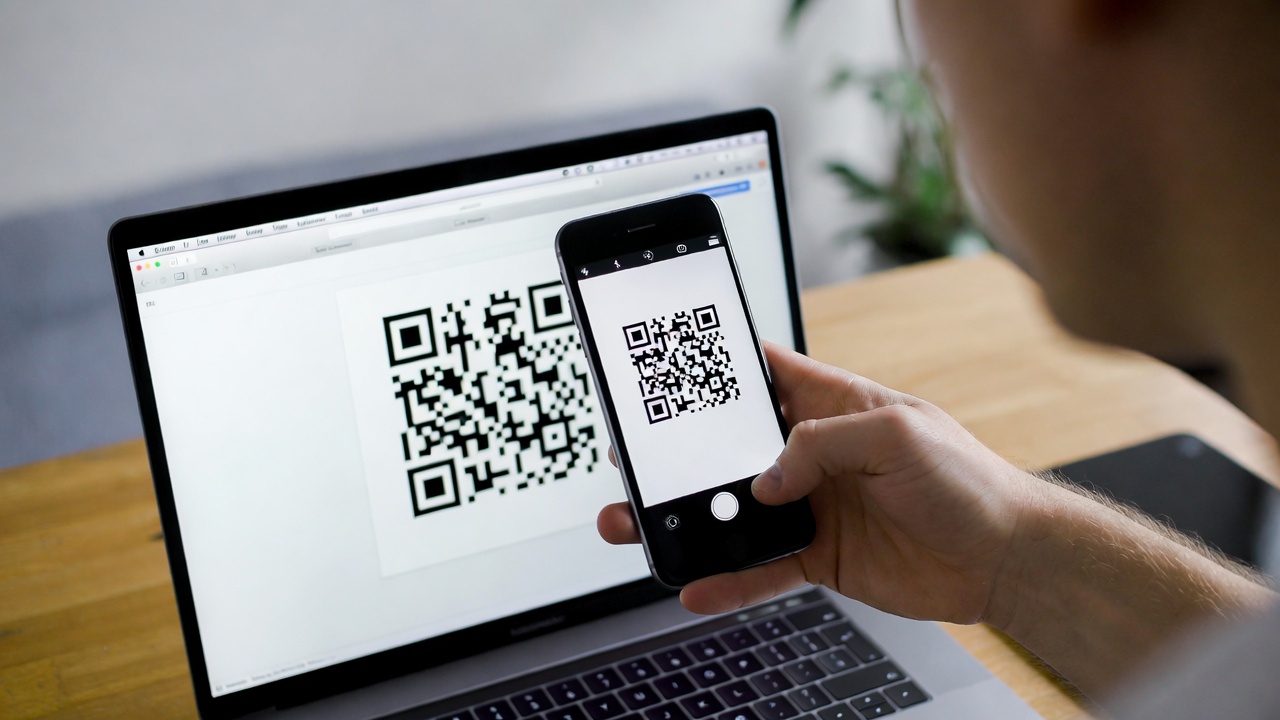
Upgrading your phone no longer means swapping a tiny plastic SIM card. With eSIM technology, your mobile plan lives digitally on your device. But when you get a new phone, you still need to move that plan correctly.
If you’re wondering how to transfer eSIM to new phone, this guide explains how the process works, what to expect on different devices, and how to avoid common mistakes during the transfer.
What Happens to Your eSIM When You Change Phones?
An eSIM is tied to your device’s secure hardware, not just your phone number. That means you usually can’t simply “copy” it over like photos or apps. Instead, your eSIM must be:
Deactivated on the old phone
Re-installed or re-provisioned on the new phone
Authenticated by your carrier or eSIM provider
This is different from a physical SIM, which can be moved manually.
How to Transfer eSIM to New Phone on iPhone
Many people specifically search how to transfer eSIM to new phone on iPhone because Apple now supports built-in transfer tools.
On most modern iPhones:
Turn on your new iPhone
Go to Settings → Cellular
Select Add eSIM
Choose Transfer from Nearby iPhone (if available)
Follow on-screen instructions to confirm the transfer
Apple may prompt you to verify with a code or Face ID. Once complete, your eSIM will activate on the new device and stop working on the old one.
You can monitor data usage afterward using this step-by-step guide to checking data usage on your iPhone.
How to Transfer an eSIM to a New Phone on Android
Android devices handle eSIM transfers differently depending on the manufacturer and carrier.
General steps:
Open Settings → Network & Internet
Tap SIMs or Mobile Network
Select Add eSIM
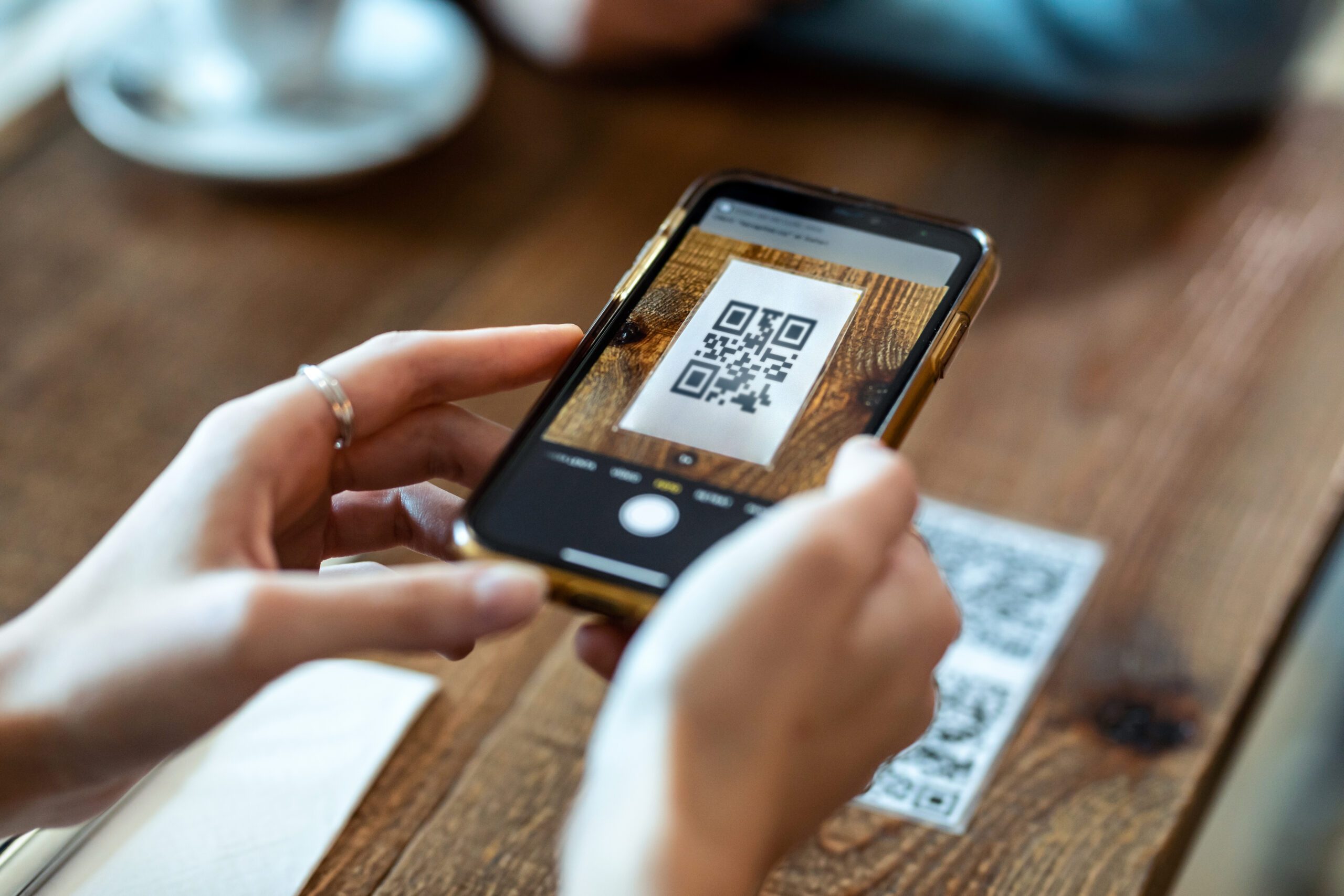
Scan a QR code or use carrier app activation
Confirm activation
Some Android phones allow wireless transfers from another device, while others require re-downloading the eSIM profile.
If you’re switching brands, it’s common to need a fresh activation rather than a direct transfer.
How Do You Transfer an eSIM to a New Phone When Traveling?
Travel eSIMs usually work differently from carrier eSIMs. In most cases:
You reinstall the eSIM on the new phone
You activate it again using your provider’s app or QR code
Your old device loses access
If your connection fails after transfer, you should check if your data plan is active and working before making changes.
For travelers, it’s also important to understand how data roaming works abroad so you don’t accidentally fall back on expensive roaming after switching devices.
Common Problems When Transferring an eSIM
Even when following the steps, issues can occur if:
The old phone still has the eSIM active
The wrong SIM is selected for mobile data
The eSIM profile wasn’t removed first
The phone isn’t eSIM-compatible
Before starting, it’s always smart to check if your phone is eSIM-compatible.
Do You Lose Your Phone Number When You Transfer an eSIM?
No, as long as the transfer is completed properly. Your phone number remains tied to the eSIM profile, not the physical device. Once installed on the new phone, calls and messages will work as normal.
However, during the transfer process, you may temporarily lose service until activation completes.
How Do I Transfer My eSIM to a New Phone Safely?
The safest way to move your eSIM is to:
Use built-in transfer tools if available
Follow provider-specific instructions
Keep both phones powered on
Stay connected to WiFi during setup
Avoid deleting the eSIM until the new phone is ready
For international travel, many users prefer to switch to a travel eSIM instead of transferring their carrier eSIM. This allows them to avoid roaming overcharges while abroad and use local networks directly.
Should You Transfer or Install a New eSIM?
It depends on your situation.
Transfer your eSIM if:
You’re keeping the same number
You’re staying with the same provider
Your phone supports direct transfer
Install a new eSIM if:
You’re changing providers
You’re traveling internationally
You’re using a short-term data plan
Many travelers prefer unlimited data plans for travelers in 198+ destinations rather than moving their domestic SIM between devices.
You can also compare regional and global eSIM options depending on how often you change phones or destinations.
Final Thoughts
Learning how to transfer eSIM to new phone makes upgrading your device much easier. While the process varies slightly between iPhone and Android, the goal is the same: securely move your digital SIM profile so your number and data continue working without interruption.
With the right steps and preparation, transferring an eSIM takes only a few minutes and avoids the need for physical SIM cards entirely.
Get connected on your new phone
To set up a fresh eSIM instantly, download the ZIM app and choose the plan that fits your trip.