



How Long Does an eSIM Take to Activate?
https://www.zimconnections.com/how-long-does-esim-take-to-activate/
 SHARE
SHARE
If you’re considering switching to eSIM, one of the most common questions is: how long does an eSIM take to activate?
The short answer is: usually just a few minutes.
In most cases, eSIM activation is almost instant, especially compared to traditional SIM cards that require physical installation or store visits.
How Long Does an eSIM Take to Activate Exactly?
So, how long does an eSIM take to activate in real terms?
For most users:
- setup takes under 5 minutes
- activation can be instant or within a few minutes
- no waiting for delivery or in-store setup
Once installed, your phone connects to the network almost immediately.
Why eSIM Activation Is So Fast
eSIMs are designed to be fully digital.
Unlike physical SIM cards, there’s no need to:
- wait for shipping
- insert or swap cards
- visit a store
Instead, everything happens directly on your device through remote provisioning.
If you’re new to the concept, this guide to data roaming and staying connected abroad explains how mobile connectivity works when travelling.
How to Activate an eSIM
The process is simple:
- Purchase your eSIM plan
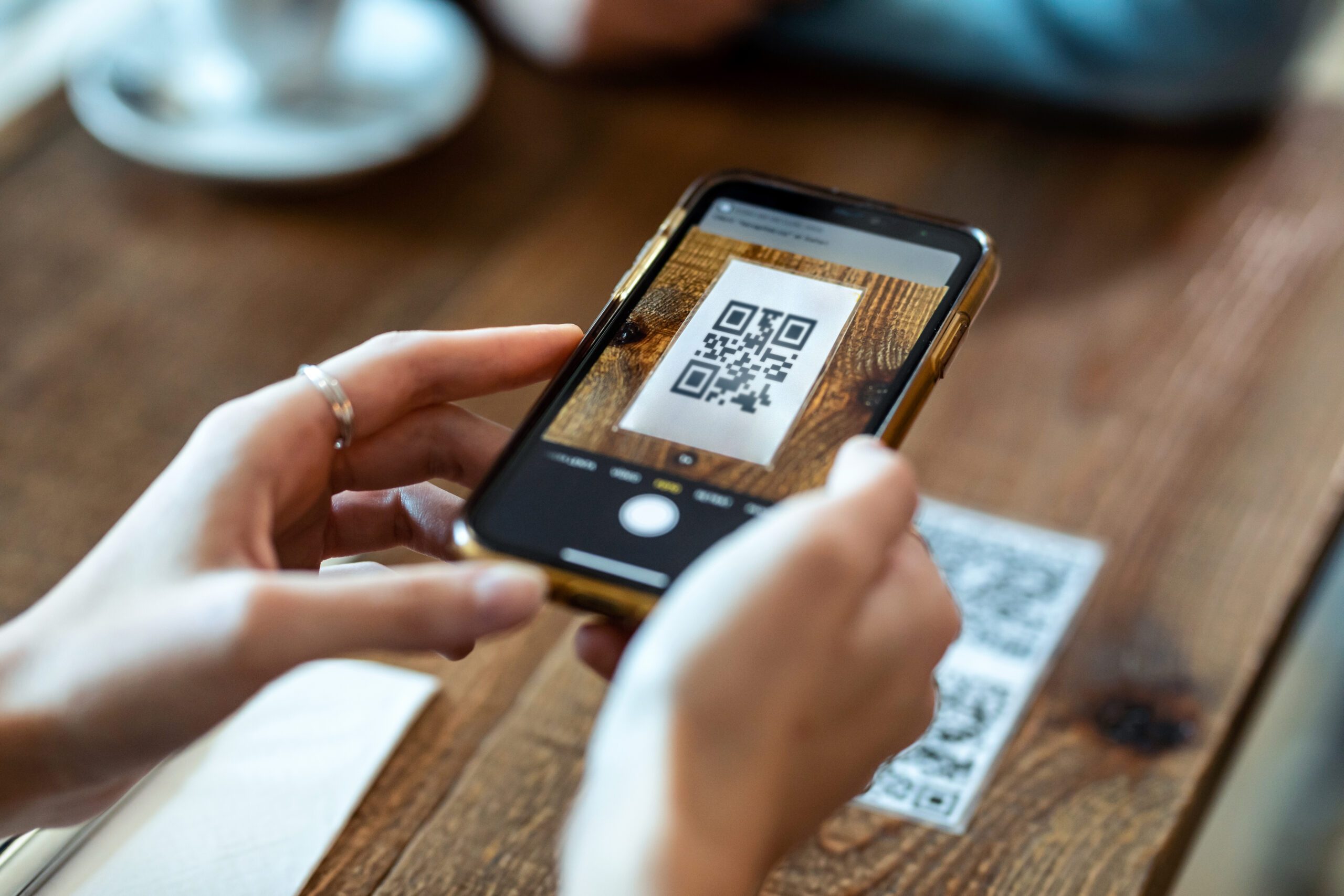
- Receive a QR code or activation option
- Scan the QR code or install via app
- Confirm installation
- Connect to the network
How ZIM Makes eSIM Activation Even Faster
With ZIM, the process is designed to be quick and simple.
After purchasing a plan, activation takes just a few minutes. You simply:
- scan a QR code, or
- tap a button in the app to install the eSIM directly
From start to finish, it typically takes under 5 minutes, making it especially useful when travelling.
Many travellers choose this setup to avoid roaming overcharges while abroad instead of relying on their home network.
When eSIM Activation Might Take Longer
In some cases, activation may take slightly longer due to:
- slow internet connection
- incorrect installation steps
- device compatibility issues
Even then, it’s still much faster than traditional SIM setup.
If you’re unsure which plan works best for your trip, it helps to compare regional and global eSIM plans before purchasing.
eSIM vs Physical SIM Activation Time
eSIM
- instant or within minutes
- fully digital
Physical SIM
- requires delivery or store visit
- manual installation
FAQ: eSIM Activation
How long does an eSIM take to activate on iPhone?
On iPhone, eSIM activation typically takes a few minutes or less. Once you scan the QR code or install via app, it connects almost instantly.
Can an eSIM activate instantly?
Yes, in most cases an eSIM can activate instantly, as long as you have a stable internet connection during setup.
Do I need WiFi to activate an eSIM?
Yes, you usually need WiFi or an internet connection to download and install the eSIM profile.
Why is my eSIM taking longer to activate?
Delays can happen due to:
- slow internet connection
- incorrect setup steps
- temporary network issues
Can I activate an eSIM before travelling?
Yes, and it’s recommended. You can install your eSIM before your trip so it’s ready to connect as soon as you arrive.
Get Connected in Minutes
If you want the fastest possible setup, ZIM is designed to make the process seamless.
After purchasing a plan, it only takes a few minutes to get connected. You simply:
- scan a QR code, or
- tap a button in the app to install the eSIM directly
There’s no waiting, no complicated setup, and no need to visit a store. It’s especially useful when travelling, where having data immediately can make a big difference.
Many travellers use eSIMs to avoid roaming overcharges while abroad and stay connected from the moment they land. Download the app and activate your eSIM in minutes!