



iPhone 17e eSIM: What You Need to Know
https://www.zimconnections.com/iphone-17e-esim/
 SHARE
SHARE
The iPhone 17e eSIM is part of Apple’s continued shift toward digital SIM technology. Instead of relying on physical SIM cards, newer iPhone models allow users to activate mobile plans directly through embedded SIM technology.
For travellers, this makes switching networks, activating international data plans, and staying connected abroad much easier.
Here’s everything you should know about the iPhone 17e eSIM, including compatibility, activation, and why it’s especially useful when travelling.
What Is an eSIM?
An eSIM, or embedded SIM, is a digital version of a traditional SIM card that’s built directly into your phone.
Instead of inserting a physical card, you can activate a mobile plan by:
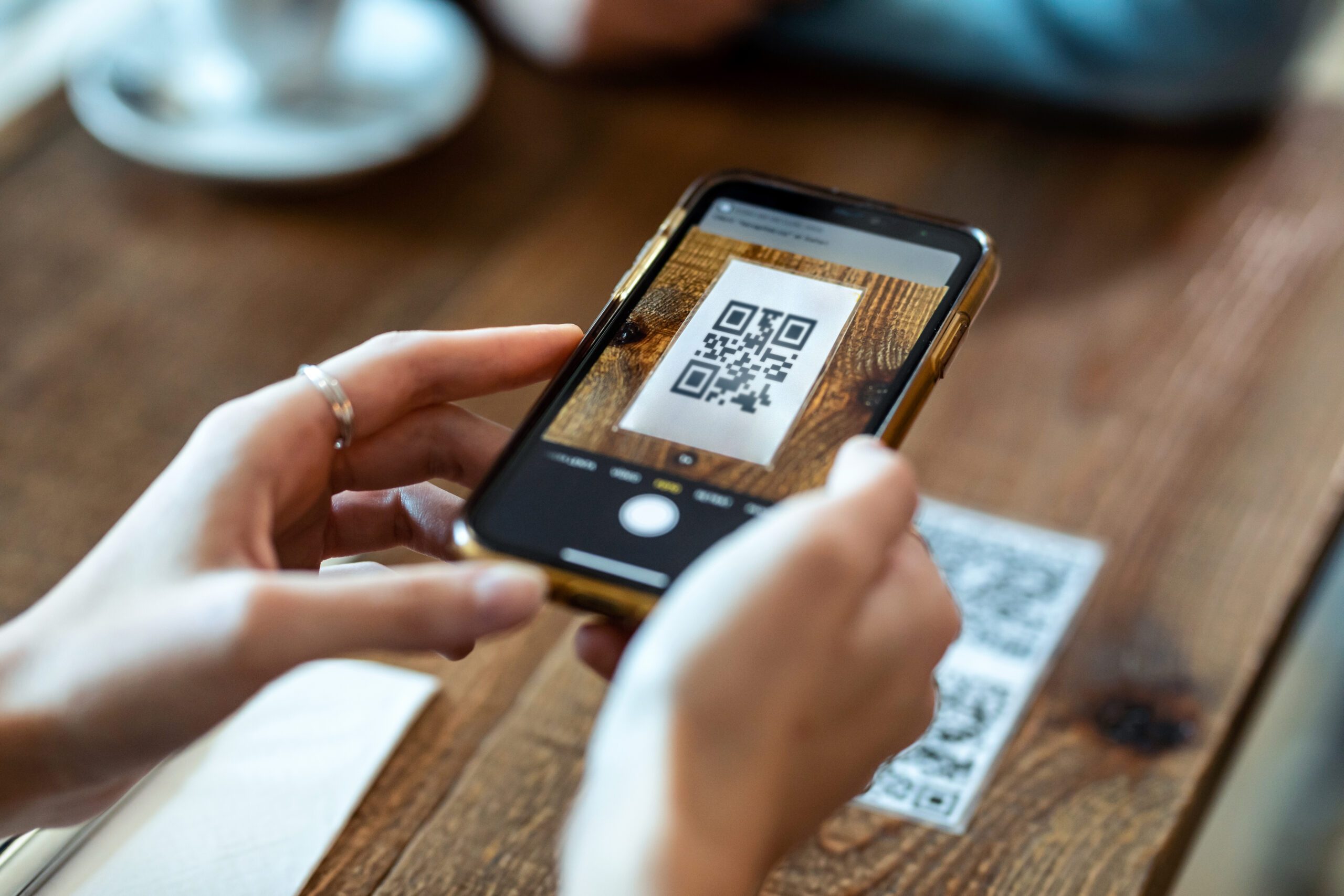
scanning a QR code
downloading a carrier profile
activating a plan through an app
This allows users to switch networks or add additional data plans without removing or replacing a SIM card.
If you’re new to the technology, you can read this guide to data roaming and staying connected abroad to understand how mobile connectivity works while traveling.
Does the iPhone 17e Support eSIM?
Yes. The iPhone 17e eSIM supports Apple’s standard dual-SIM functionality, allowing users to operate multiple mobile plans on the same device.
Depending on region and carrier support, the iPhone 17e may allow:
multiple eSIM profiles stored on the device
dual active SIM functionality
quick switching between carriers
This flexibility makes the phone particularly useful for travellers who want to separate their home network from a travel data plan.
How to Activate eSIM on iPhone 17e
Activating an iPhone 17e eSIM is simple and usually takes only a few minutes.
Most users activate an eSIM by following these steps:
Go to Settings
Tap Cellular
Select Add eSIM
Scan the QR code from your carrier
Confirm the activation
Once activated, your device will automatically connect to the new network.
If you’re planning to travel soon, this guide explains how to activate your eSIM before travel so you can set everything up before arriving at your destination.
Why iPhone 17e eSIM Is Ideal for Travel
One of the biggest advantages of the iPhone 17e eSIM is how easy it makes international connectivity.
Instead of buying local SIM cards at the airport or relying on expensive roaming plans, travellers can activate data plans digitally.
Benefits include:
instant activation
no physical SIM cards required
easy switching between networks
multiple plans stored on one device
Many travellers also use eSIMs to avoid roaming overcharges while abroad, which can quickly add up with traditional roaming.
Choosing the Right Travel eSIM Plan
When selecting a travel eSIM for your iPhone 17e, it’s helpful to consider where you’ll be traveling and how much data you’ll use.
You may choose between:
local country plans
regional plans covering several countries
global plans for multi-continent travel
If you’re unsure which option works best, you can compare regional and global eSIM plans before purchasing.
For travelers visiting several destinations, unlimited data plans for travelers in 198 destinations can offer additional convenience.
How to Monitor Data Usage on iPhone 17e
Once your eSIM is activated, it’s useful to keep an eye on how much data you’re using.
Streaming video, uploading photos, and using navigation apps can consume large amounts of mobile data during trips.
You can track your iPhone data usage in real time directly in your phone’s settings to avoid surprises.
Final Thoughts
The iPhone 17e eSIM continues Apple’s transition toward a fully digital SIM experience. With easy activation, multiple plan support, and seamless switching between networks, it’s particularly useful for travellers who want reliable connectivity abroad.
As international travel becomes more connected, eSIM technology is quickly becoming the easiest way to stay online across multiple countries.
Stay Connected With Your iPhone 17e
If you’re planning a trip with your iPhone 17e eSIM, you can get started with a ZIM eSIM before you fly and activate your data plan in minutes.
To get connected, download the ZIM app and choose the plan that fits your trip.