



Pay As You Go eSIM: The Complete 2026 Guide
https://www.zimconnections.com/pay-as-you-go-esim/
 SHARE
SHARE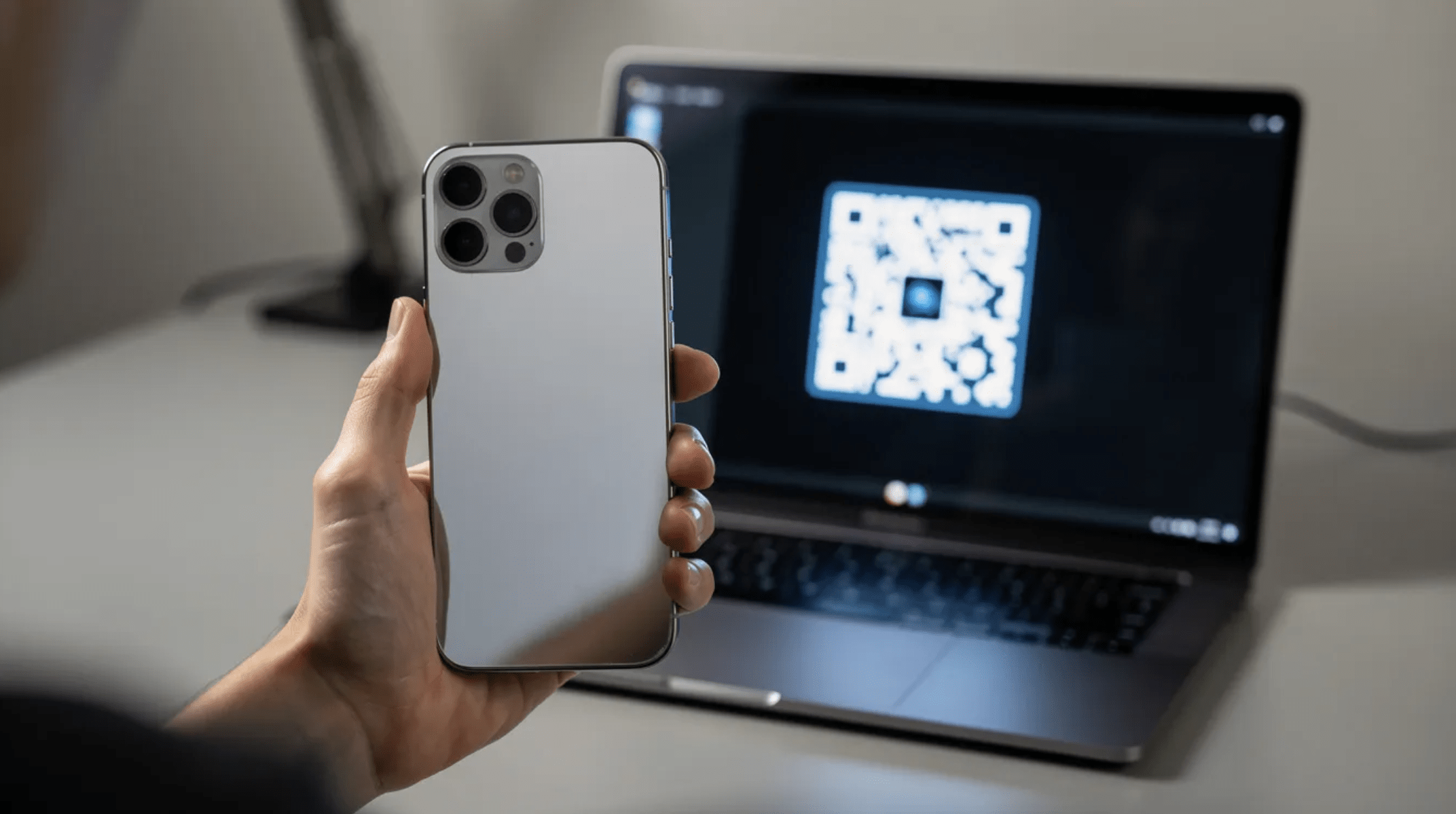
Pay As You Go eSIM: The Complete 2026 Guide
A pay as you go eSIM gives you mobile connectivity without the commitment of a long-term contract. Whether you need cheap data abroad, a backup line at home, or a flexible mobile plan you can pause anytime, this guide covers everything from checking compatibility to activating your first esim profile in minutes.
What is a Pay As You Go eSIM?
A pay as you go eSIM is a digital sim built into your device that lets you buy prepaid mobile data, calls, and texts without signing a contract. Instead of inserting a plastic sim card, you download your esim profile directly to your phone via esim online activation – usually by scanning a qr code.
An eSIM is essentially a virtual version of a physical sim card. It is an embedded sim – a tiny chip soldered into your device’s hardware that cannot be removed. The key difference from traditional SIMs is that your carrier credentials are downloaded over the air rather than stored on a removable piece of plastic. This is why you’ll sometimes see the term esim card used loosely, even though there is no card involved. Think of it as a digital version of the sim you already know.
Pay as you go differs from pay monthly contracts in a few important ways. With PAYG, you top up or buy data bundles only when you need them – there is no recurring bill if you stop using the service. A sim only plan on a contract typically locks you into fixed monthly payments regardless of how much data you actually consume. PAYG gives you strict budget control.
Many network providers now offer sim only deals specifically designed around the pay as you go model, and esim technology makes these even more accessible. You can browse esim deals from your sofa, purchase a plan, and be connected within minutes – no waiting for a physical uk sim card in the post.
Pay-as-you-go eSIMs can be used at home and abroad depending on your chosen mobile plan. Some plans focus on domestic data and calls, while others cover international roaming across dozens of countries. The flexibility to pick exactly what you need, when you need it, is what makes this sim type increasingly popular.
The global eSIM market is expected to reach USD 12.8 billion in 2026, driven largely by consumer demand for flexible, contract-free connectivity. Data-only eSIMs already make up roughly 55% of the market. eSIMs eliminate plastic waste from physical sim cards, and their instant activation via qr code removes the friction of visiting a store or waiting for delivery.
Is My Phone eSIM Compatible?
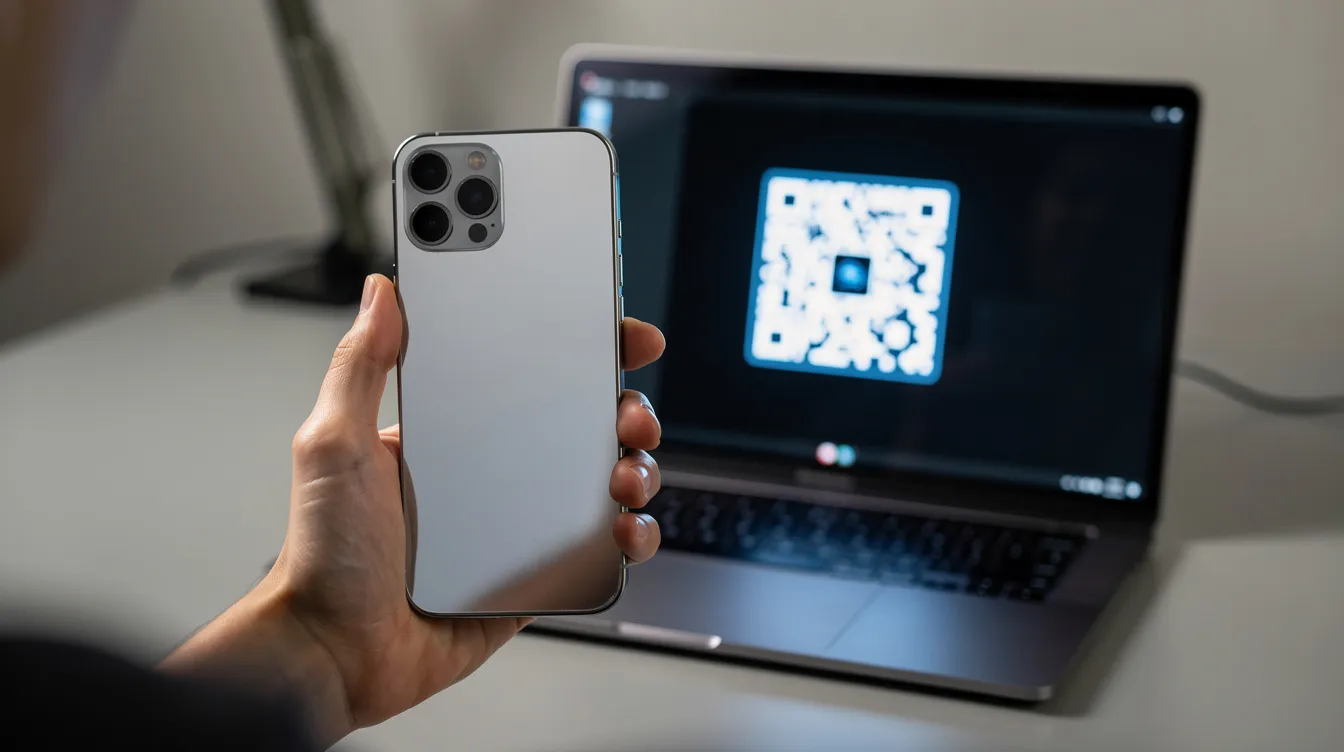
Before you buy a payg sim with eSIM delivery, you need to confirm your device can handle it. The quickest check is to open your phone’s keypad and dial *#06#. If the screen displays an eid number alongside your IMEI, your phone has eSIM hardware. If you only see an IMEI with no EID, your device likely lacks eSIM support.
Most modern devices support esim technology. Most Google Pixels and Apple iPhones have supported eSIM since 2018 – starting with the iPhone XR/XS and Pixel 3. Samsung flagship phones launched since 2020, including the Galaxy S20 and later, also support eSIM. Check this comprehensive guide to devices compatible with eSIM for detailed model lists and regional notes. Carrier support for eSIMs continues to expand across mobile networks, so more options arrive each quarter.
Your device must be network unlocked to use PAYG eSIMs from different network providers or while travelling. If your phone was purchased through a carrier on a contract, it may still be locked. Contact your current provider to request an unlock before attempting to install a new esim.
If you don’t see an eid number after dialling *#06#, check your phone settings directly. Look for an option labelled “Add eSIM” or “Add Mobile Plan” under your mobile data or cellular settings. If that option exists, your phone supports esim and dual sim configurations.
How to Check eSIM Support on iOS and Android
On iOS, open Settings, tap Mobile Data (or Cellular), then look for Add eSIM or Add Mobile Plan. If you see either option, your iPhone is a compatible device. You can also tap “Add eSIM” to confirm that the setup process begins before backing out.
On Android, paths vary by manufacturer. For Samsung, go to Settings → Connections → SIM Manager and look for “Add eSIM.” For Google Pixel, navigate to Settings → Network & Internet → SIMs → Add SIM, then look for “Download a SIM instead.” If your phone shows any of these options, it confirms the phone esim compatible status and typically indicates dual sim support; OPPO users can follow a step-by-step guide to activating eSIM on OPPO smartphones or a detailed OPPO eSIM activation guide in Chinese for model-specific instructions.
Seeing “Add eSIM” or “Download a SIM instead” in your menus is the clearest confirmation. If menus don’t match, check your device manufacturer’s support page – some regional variants ship without eSIM hardware enabled.
How to Get a Pay As You Go eSIM in 2026
The entire process happens esim online. You choose a PAYG or sim only plan from a provider’s website or app, pay for it, and receive your activation information – typically an esim qr code – via email or directly in the app.
The flow is straightforward. First, select esim as your sim type during checkout. Second, once payment is confirmed, you receive an email or in-app qr code containing your esim profile. Third, scan qr code on your phone to download your esim and activate the plan on your device. The whole setup process can take under five minutes.
Some PAYG eSIMs are one-off top-ups where you buy a fixed data allowance that expires after a set period. Others operate as a rolling plan – a 30-day bundle that auto-renews but can be cancelled anytime without penalty. Rolling bundles behave like a “pay as you go plus” arrangement: predictable, yet fully flexible.
If you want to keep your uk number, many providers let you port it onto your new sim. You’ll typically need a PAC code from your current provider, which can be requested by text. The porting process usually completes within one working day, so your uk number active status transfers seamlessly to the new esim, and the overall activation process on iPhone and Android is typically finished within minutes.
Some providers also advertise a free sim option – meaning you pay nothing upfront for the esim profile itself and only pay for the data plan or bundle you choose.
Choosing the Right PAYG eSIM Plan
Start by estimating your monthly data needs. Light users consume roughly 5–10 GB per month (browsing, email, maps). Average users need 20–40 GB (social media, streaming on wi fi with occasional mobile streaming). Heavy users – remote workers, content creators – may want 100 GB or unlimited.
Key plan variables to compare include data allowance, included UK minutes and texts, international minutes, EU or global roaming coverage, and whether hotspot or tethering is permitted. Not all only deals include voice – many PAYG eSIMs are data-only, which suits tablets or travellers using VoIP.
For great value starting points, lyca mobile offers a £5 plan with 5 GB data for 30 days, while Lycamobile’s National Plus plan provides 30 GB data for £10. Vodafone’s Pay as you go Plus plan renews every 30 days with inclusive data and roaming in selected European destinations. Tesco Mobile also offers competitive PAYG bundles worth checking.
Pick a small, low-risk only plan first to test coverage and speeds on your usual routes before committing to a larger bundle.
Step‑by‑Step: How to Activate an eSIM (QR Code Method)
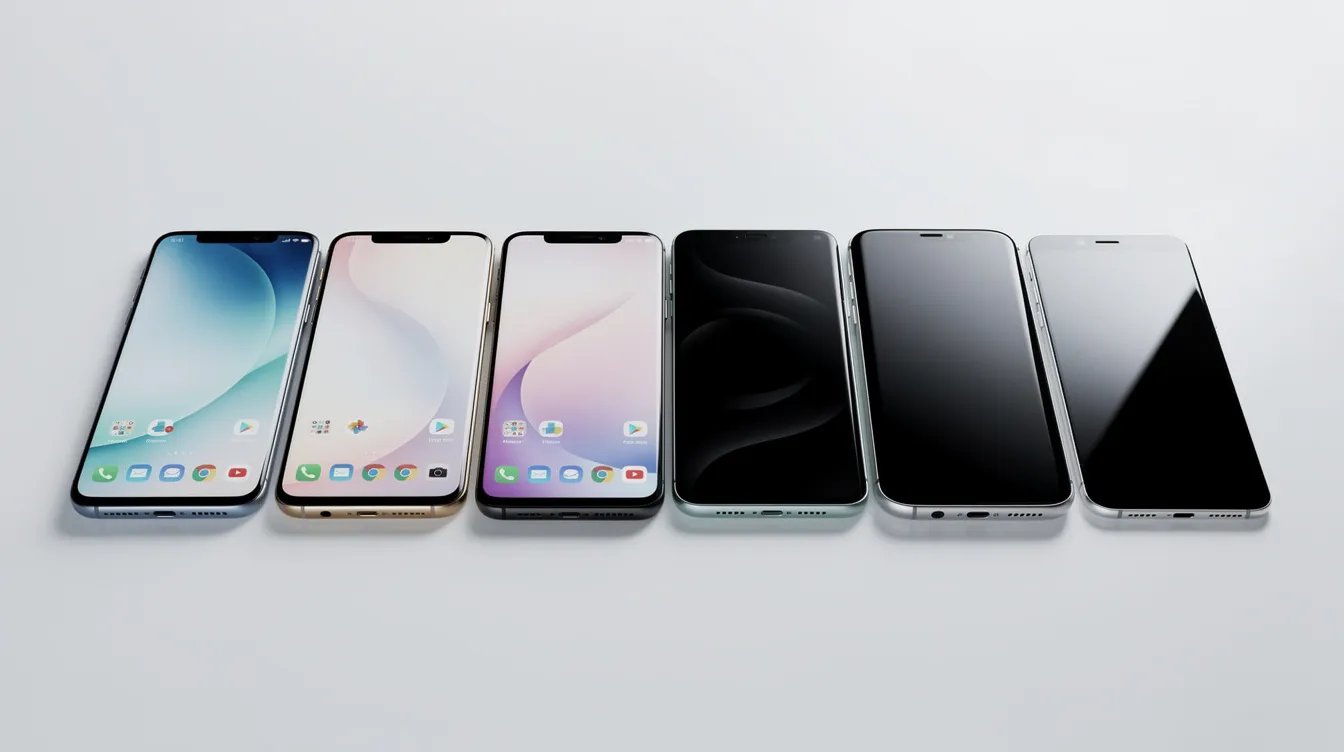
Most PAYG eSIMs are activated by scanning a qr code sent via email or displayed in an app. Users can activate a pay-as-you-go eSIM by scanning a qr code or via an app – both methods take just minutes, though you can also activate an eSIM without scanning a QR code using manual entry methods on iPhone and Android or follow a step-by-step guide to eSIM activation without QR code scanning if you only have one screen available. Instant activation allows purchasing and downloading of eSIMs within minutes.
Before you begin, prepare: charge your phone above 50%, connect to wi fi (mobile data may not work until activation is complete), and have the qr code open on another screen or printed on paper.
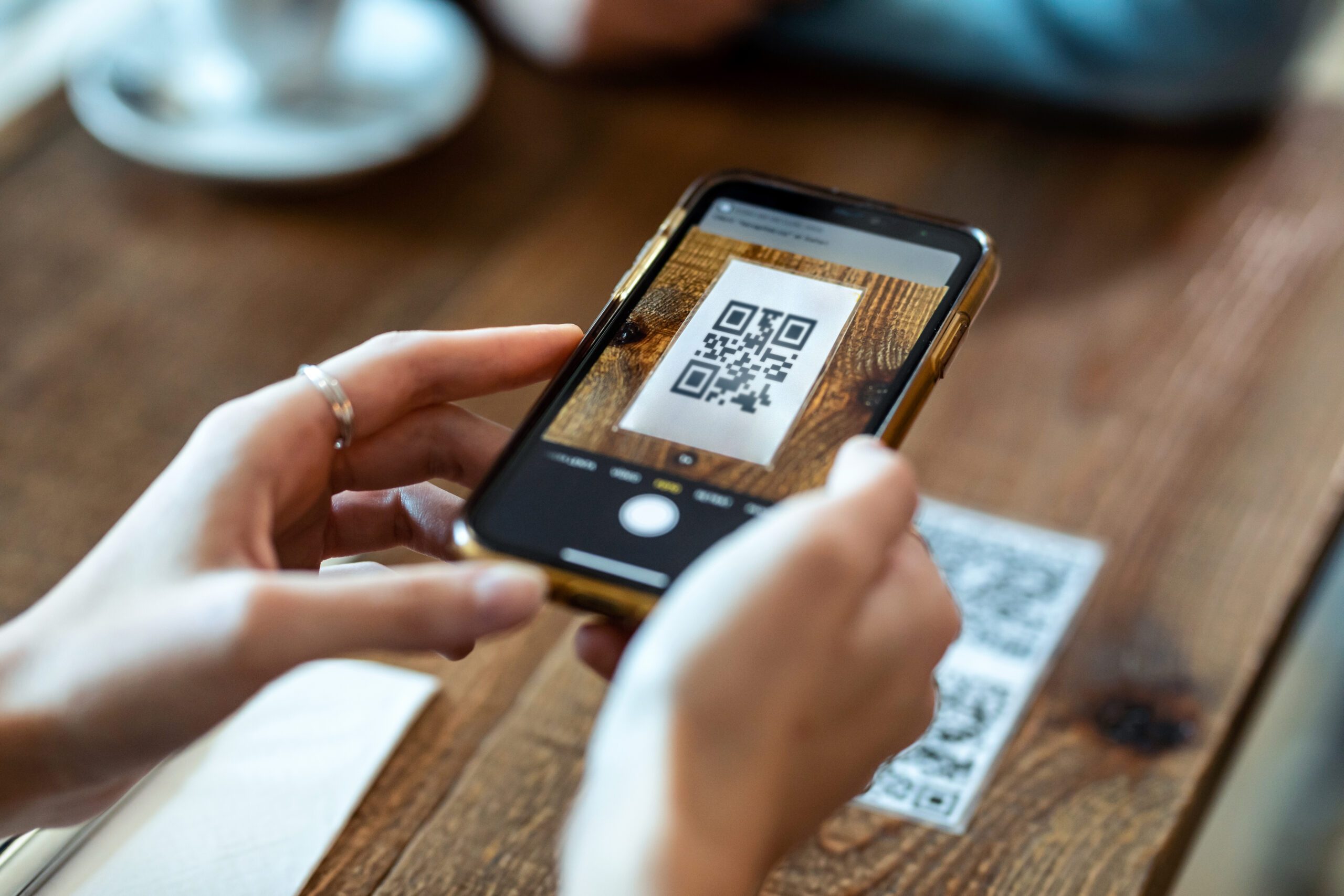
Open your phone settings and navigate to the mobile data or cellular section. Choose the option to add a new esim or add a mobile plan. Your device’s camera will activate, prompting you to scan the qr code. Point the camera at the code and hold steady until the phone recognises it.
Wait for the esim profile to download. This usually takes 30 seconds to two minutes depending on your wi fi speed. Once downloaded, you’ll be asked to label the new line – for example, “PAYG Data” or “Travel eSIM” – and confirm which line handles data and default number for calls.
After confirming, the new esim should appear in your esim settings alongside any existing sim. You can now set your data and default number preferences. If you have a dual sim setup, choose which line handles mobile data and which handles voice.
If the camera or qr code fails, most providers offer a manual entry option. Look for “Enter Details Manually” during the setup process and type in the activation code embedded in your confirmation email, following a manual eSIM activation method without QR code or a QR-free eSIM activation walkthrough as needed. Keep that email safe – you may need the activation information again if you switch to a new device.
How to Activate an eSIM on iPhone
On recent iOS versions, go to Settings → Mobile Data → Add eSIM (or Add Mobile Plan) → Use QR Code. For Apple, connect to Wi-Fi and follow on screen instructions to scan and install the profile.
Once installed, label each line clearly – for example, “Primary” for your uk number and “Travel” for your PAYG data line. Under Mobile Data settings, choose which line handles internet access, and under Default Voice Line, pick the number you want for outgoing calls.
iPhones with dual sim functionality (eSIM plus physical sim or two eSIMs) can keep both numbers active simultaneously. This means you can receive calls on one phone number while browsing on the other line’s data.
How to Activate an eSIM on Android (Samsung, Pixel & Others)
For Samsung, go to Settings → Connections → SIM Manager → Add eSIM, then scan the qr code. For Pixel, navigate to Settings → Network & Internet → SIMs → Add SIM → Download a SIM instead. For Android, scan the qr code and enter a confirmation code if prompted.
After scanning, set the new esim as your default for mobile data while keeping calls and texts on your main sim if desired. This gives you the benefits of a dual sim configuration without carrying two phones.
Menus differ slightly across manufacturers and Android versions. If your paths don’t match exactly, search “eSIM” within your phone settings or check your device manufacturer’s support page for model-specific guidance. The esim follow-up steps are usually intuitive once you locate the right menu.
Using a Pay As You Go eSIM Day‑to‑Day
Once installed, a PAYG eSIM behaves like any other sim. It connects to a mobile network for calls, texts, and data according to your chosen bundle. There is no difference in call quality or data speeds compared to a traditional sim card – the experience is identical.
On a dual sim phone, you can switch which line uses mobile data in your phone settings. Keep both lines active for calls while directing all internet traffic through whichever esim plan offers the best rate or coverage. This is useful for separating business and personal numbers on one phone.
Typical scenarios include using a PAYG eSIM as a backup data line, giving a child their first phone with strict cost control (no bill shock), providing temporary mobile connectivity for visitors who need a uk number, or adding a secondary data plan for a new device like a tablet. eSIMs allow multiple plans on one device for flexibility, so you’re never locked into a single arrangement.
PAYG users can top up or change bundles anytime through a provider app or website, without needing a new esim card. If your data runs out mid-month, just purchase another bundle – no sim swap required, no new sim in the post.
Managing Data, Tethering and Wi‑Fi
Monitor remaining data via your provider’s app or in phone settings under mobile data usage. Set data warnings and hard limits inside Android or iOS to avoid accidentally burning through your data allowance.
Most PAYG eSIM bundles allow hotspot and tethering, so you can share your mobile connectivity with a laptop or tablet when you cannot connect to wi fi. Check your plan terms – some providers restrict tethering on cheaper bundles.
Prefer trusted wi fi networks when available to preserve your mobile data for navigation, messaging, and essential apps. This is a simple way to save money, especially on smaller PAYG bundles.

Travelling with a Pay As You Go eSIM
Travellers increasingly select esim for trips because it offers instant setup before departure, removes the need to queue for local SIMs at airports, and provides full control over roaming charges. Using an eSIM can eliminate unexpected roaming charges abroad, which is a relief when roaming fees can reach £15 per day outside the EU.
A common travel setup is to keep your old physical sim for calls and texts on your home number while adding a local travel eSIM as a secondary line for cheap data abroad. eSIMs connect to local networks to avoid roaming fees, so instead of paying your home carrier’s daily roaming rate, you pay local wholesale data prices – often under $1 per GB in popular destinations.
To manage this, switch your default data line to the travel esim plan while keeping your home number active for incoming calls and SMS. This dual sim behaviour means you never miss important calls but still enjoy affordable data. eSIMs can reduce roaming costs significantly for international travel.
When to Download and Activate Your Travel eSIM
Some eSIMs start their validity the moment you activate an esim, while others begin only once you connect to a partner network abroad. This distinction matters – activating too early on a time-limited plan wastes days before you even board, so it helps to follow guidance on the best time to install an eSIM when you travel to avoid wasting validity or paying unnecessary roaming fees.
Install the esim profile one to two days before travel so everything is ready when your phone arrives at the destination. If your plan starts on first network use, simply delay turning on mobile data roaming until you land. Always check the provider’s terms for start date, expiry date, and whether validity is counted from activation or from first connection to local networks.
Advantages and Limitations of Pay As You Go eSIMs
PAYG eSIMs combine the flexibility of pay as you go billing with the convenience of instant digital activation. They represent a meaningful step forward in mobile connectivity, but they are not without trade-offs.
On the advantages side, there is no waiting for post – you download your esim within minutes. eSIMs can store multiple profiles for easy switching between lines or countries. eSIMs reduce plastic waste by eliminating physical sim cards entirely, making them a greener choice. eSIMs also offer better security: eSIMs reduce the risk of sim swap fraud because the profile is stored in a secure, code embedded element inside the device. eSIMs provide better security through enhanced encryption, and this better security esims bring means fewer vulnerabilities compared to removable plastic cards.
On the limitations side, esim technology requires device compatibility for functionality – older phones or certain regional variants simply won’t work. Some PAYG offers are data-only with no voice or SMS included. Moving an esim to a new phone can require reissuing a qr code or re-provisioning the profile, which is less straightforward than popping out a physical sim card and sliding it into a new device.
Coverage quality still depends on the underlying mobile network partner in each country. A PAYG eSIM from one provider might deliver excellent speeds in cities but struggle in rural areas if the partner network has limited infrastructure there.
eSIM vs Physical SIM on Pay As You Go
Activation speed is the biggest difference. A new esim activates via qr code within minutes, whereas a physical sim requires postage or an in-store visit. When your new phone arrives already esim compatible, you can be online before you’ve finished unboxing.
An eSIM makes it easier to switch or stack more than one esim on a single device without fumbling with tiny plastic cards. You can hold a domestic plan and a travel plan simultaneously – something impossible with one sim slot and no eSIM.
That said, a physical sim still works better for very old or basic phones that do not support eSIM or dual sim features. If you’re handing down a phone from 2016, the old physical sim approach remains your only option. For everything else, the digital sim built into modern devices is the more convenient path.
Frequently Asked Questions About Pay As You Go eSIMs
This FAQ answers common 2026 questions on pay as you go eSIMs, activation, dual sim, and compatibility.
Can I keep my existing mobile number when I move to a PAYG eSIM? Usually yes. Request a PAC code from your current provider by texting PAC to 65075, then give it to your new provider. The porting process typically completes within one working day, keeping your uk number active on the new esim.
Do I need to connect to wi fi to activate an eSIM? Yes. Downloading the esim profile requires an internet connection. Since your mobile data likely won’t work until the esim is active, you should connect to wi fi before starting the setup process.
Can I use a PAYG eSIM for data only? Absolutely. Many PAYG eSIMs are data-only, which suits tablets, hotspot use, or travellers who rely on VoIP apps for calling. Check whether your chosen esim plan includes voice and texts or is a data-only data plan.
How many eSIM profiles can I store on my phone at once? Most modern phones can store between five and ten profiles, though only one or two can be active simultaneously. eSIMs can store multiple profiles but only one can be active at a time on most devices, though iPhones since the 13 series support two active eSIMs; for example, guides on how many eSIMs the iPhone 15 can have or how many eSIMs the iPhone 16 supports — including a Russian-language overview of iPhone 16 eSIM capacity — show how newer models handle up to 8–10 stored profiles and two active lines at once.
What happens if I delete my eSIM or lose my QR code? Deleting the profile deactivates your plan. Contact your provider to reissue the qr code or re-provision the profile. Losing the original qr code is not critical if the provider supports account recovery.
Can I use both my physical SIM and eSIM at the same time (dual sim)? Yes. Most modern phones support dual sim via a physical sim and eSIM or two eSIMs active together. You designate one sim for data and the other for calls and texts – both remain reachable on one phone.
Will a PAYG eSIM work when there is no wi fi available? Yes. Once activated and connected to the mobile network, the esim work is identical to any traditional sim. Wi fi is only needed during the initial download and activation.
Is a PAYG eSIM more secure than a physical SIM? On balance, yes. The profile sits in a secure element that is harder to clone or physically steal. eSIMs reduce the risk of sim swap fraud, and the digital version of the SIM cannot be pulled out of a lost phone and inserted elsewhere.
Can I switch from a pay monthly contract to a pay as you go eSIM? Yes – finish or cancel your contract, request an unlock if needed, and then purchase a PAYG esim plan. If you want to keep your number, request a PAC code before your contract ends and port it to your new provider.
How do I move my PAYG eSIM to a new phone? You’ll typically need your provider to reissue the profile. Some providers offer a digital transfer or self-service re-provisioning via their app. Ensure the new device is phone esim compatible and network unlocked before starting.
Next Steps: Try a Pay As You Go eSIM Today
PAYG eSIMs offer flexible, contract-free mobile connectivity that you can set up in minutes via a qr code. No store visits, no waiting for post, no bill shock at the end of the month.
Check your device compatibility, choose a sim only plan or data plan that matches your needs, and be ready for your next trip or month at home. Download the ZIM app to browse pay as you go eSIM options, check compatibility, and activate an esim online in just a few taps.