



Can You Use eSIM and Physical SIM at the Same Time?
https://www.zimconnections.com/use-esim-and-physical-sim-at-the-same-time/
 SHARE
SHARE
A common question people have when switching to eSIM is: can you use eSIM and physical SIM at the same time?
The answer is yes — most modern smartphones support dual SIM functionality, allowing you to use both an eSIM and a physical SIM simultaneously. This setup is especially useful for travel, work, and managing multiple phone numbers on one device.
How Dual SIM Works With eSIM
Dual SIM allows your phone to connect to two different mobile plans at the same time.
With an eSIM and a physical SIM, you can:
- use one number for calls and texts
- use another plan for mobile data
- switch between networks easily
- keep personal and work numbers separate
On devices like newer iPhones and many Android phones, you can have both active at once, though typically only one is used for mobile data at a time.
Which Phones Support eSIM and Physical SIM Together?
Most recent smartphones support this feature, including:
- newer iPhone models (dual SIM with eSIM + nano SIM)
- Google Pixel devices
- Samsung Galaxy models
If you’re unsure whether your device supports this, you can check eSIM compatibility here before setting up a plan.
Why Use eSIM and Physical SIM Together?
Using both SIM types at the same time is particularly useful in a few scenarios.
1. Travelling Abroad
One of the most common uses is keeping your home SIM active while using an eSIM for data abroad.
This allows you to:
- keep your original phone number
- avoid expensive roaming charges
- use local or global data plans
Many travellers choose to avoid roaming overcharges while abroad by using an eSIM for data instead of relying on their primary carrier.
2. Separating Work and Personal Numbers
Dual SIM makes it easy to manage two numbers on one phone.
You can:
- use one SIM for work calls
- use another for personal use
- keep everything organised without carrying two devices
3. Switching Between Networks
If you frequently travel or move between regions, using both SIMs allows you to switch between networks without changing cards.
Before choosing a plan, it helps to compare regional and global eSIM options depending on where you’ll be using your phone.
How to Set Up eSIM and Physical SIM Together
Setting up dual SIM is simple:
- Insert your physical SIM
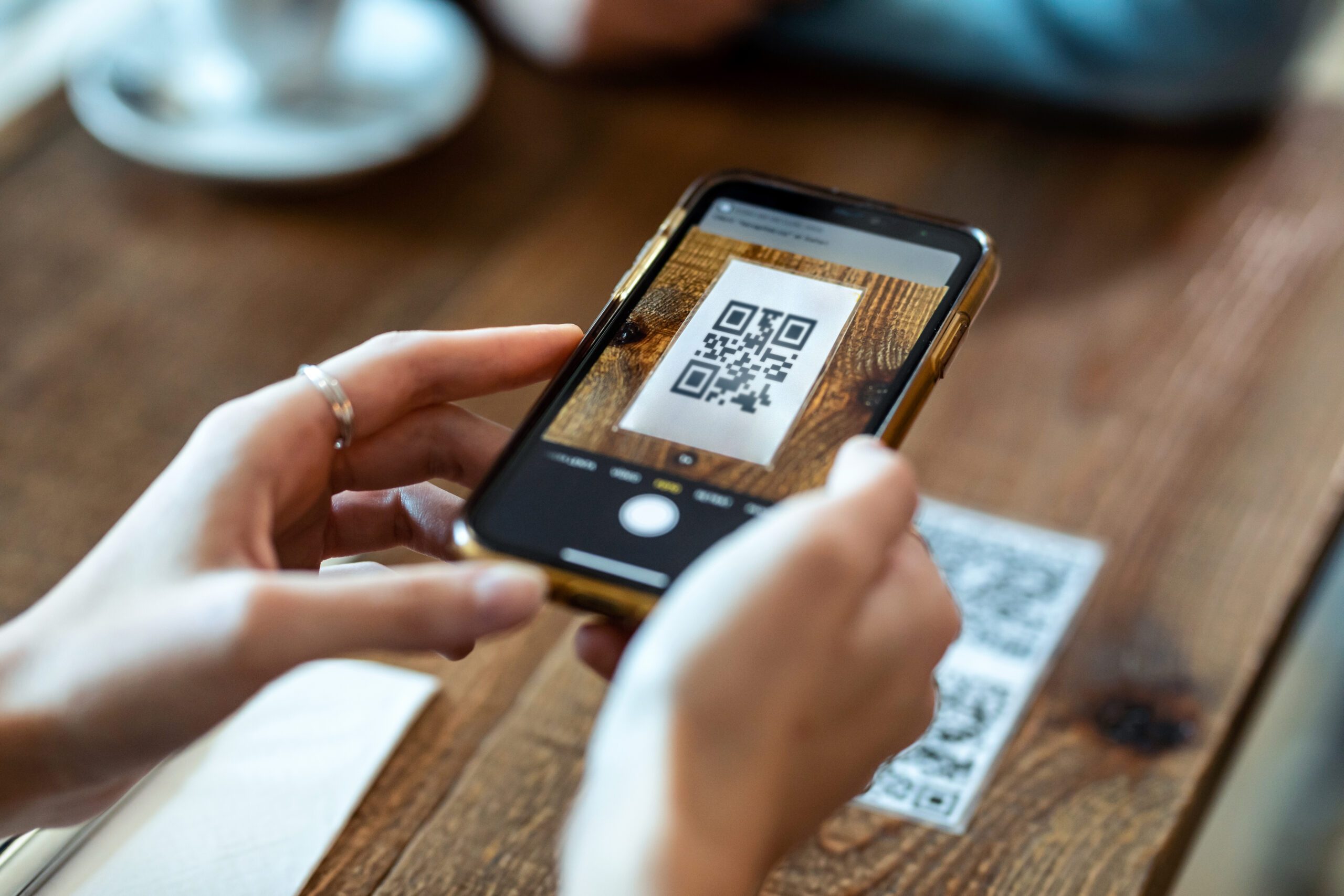
- Activate your eSIM (via QR code or app)
- Go to your phone’s cellular settings
- Assign which SIM handles:
- calls
- messages
- data
If you’re new to eSIM, this guide explains how to activate your eSIM before travel step by step.
Can You Use Both SIMs at the Same Time for Data?
Most phones allow both SIMs to stay active, but only one can be used for mobile data at a time.
However, switching between them is quick and can be done in your settings.
This setup still provides flexibility while keeping things simple.
Things to Keep in Mind
When using eSIM and physical SIM together:
- your primary SIM may still incur roaming charges if used for data
- you should set your eSIM as the default data line when travelling
- both SIMs can receive calls and texts
Understanding how roaming works is important. This guide to data roaming and staying connected abroad explains how charges can occur when using your home SIM overseas.
Final Thoughts
So, can you use eSIM and physical SIM at the same time? Yes — and it’s one of the most useful features of modern smartphones.
Whether you’re travelling, managing multiple numbers, or switching between networks, dual SIM gives you flexibility without needing multiple devices.
Stay Connected With Dual SIM
If you’re planning to use an eSIM alongside your physical SIM, you can get started with a ZIM eSIM before you travel and activate your plan in minutes.
Download the ZIM app today!